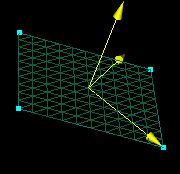
×
![Enlarged Image]()
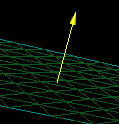
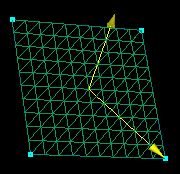
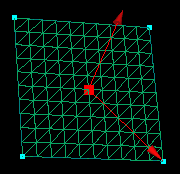
Vector Examples
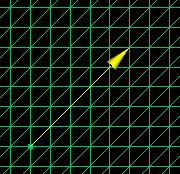
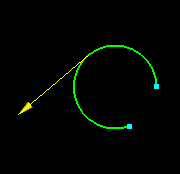
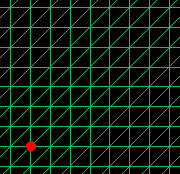
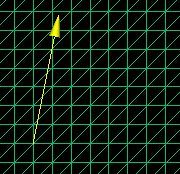
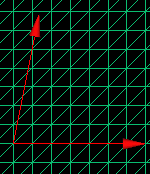
1. Pick the point that is to represent the tail and then
the point that will be the head. Click the  button to create the vector.
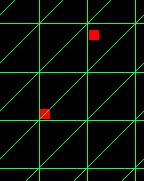
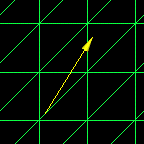
2. Pick a point, enter values in  and click
to create the vector.
and click
to create the vector.
3. Enter values in 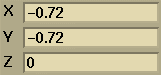 and .
Click
to create the vector and the point with the entered coordinates.
and .
Click
to create the vector and the point with the entered coordinates.
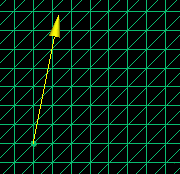

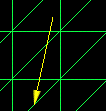
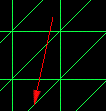
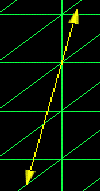
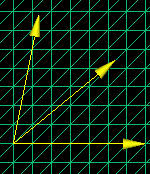
Select the two vectors to be averaged. Click
 .
This returns the averaged vector's components to
.
This returns the averaged vector's components to  .
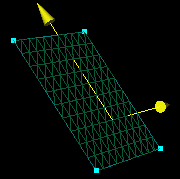
The vector can then be created by picking a start point for the vector
and clicking .
See the example above.
.
The vector can then be created by picking a start point for the vector
and clicking .
See the example above.
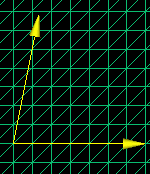

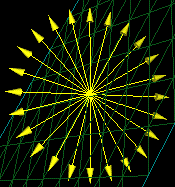
 to create the wheel in and click