


×
![Enlarged Image]()
Utilities Application Examples
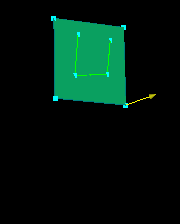
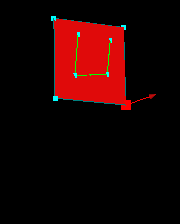
1. Select objects (curves and/or surfaces). Pick two points
and  .
NOTE: When surfaces are translated, their children (parametric curves)
are translated concurrently.
.
NOTE: When surfaces are translated, their children (parametric curves)
are translated concurrently.
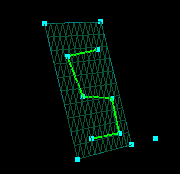
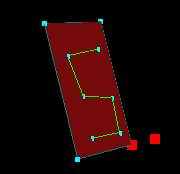
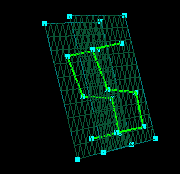
2. Select objects (curves and/or surfaces) and a vector. Enter
a distance in  (for the translation shown below, the distance was 1) and click .
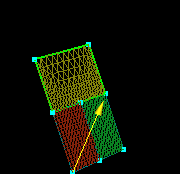
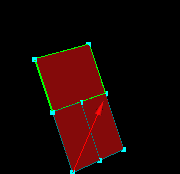
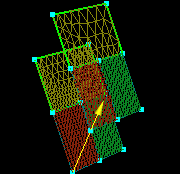
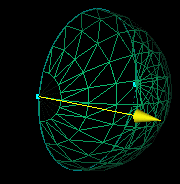
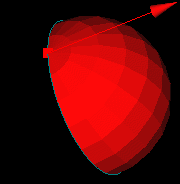
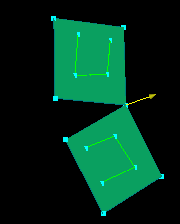
Select objects to mirror (curves and/or surfaces). Define the
plane of reflection by picking a point and a vector (or enter vector components,
VX, VY, and VZ, in the vector application). Click  .
NOTE: Mirrored surfaces are placed in the same group as the original
and are assigned a periodic surface boundary condition. Also, any
children of mirrored surfaces are mirrored, too.
.
NOTE: Mirrored surfaces are placed in the same group as the original
and are assigned a periodic surface boundary condition. Also, any
children of mirrored surfaces are mirrored, too.







 |
 |
 |