


Grid Debug

Grid Debug Applications
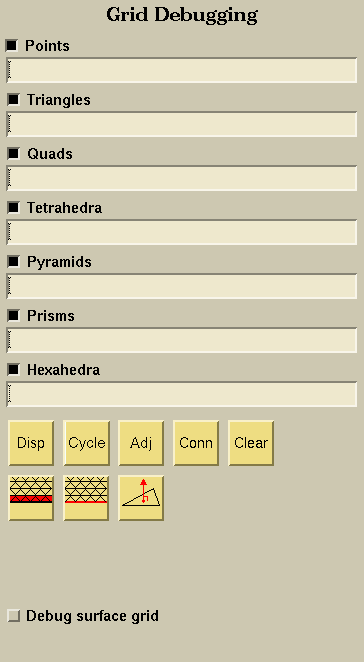
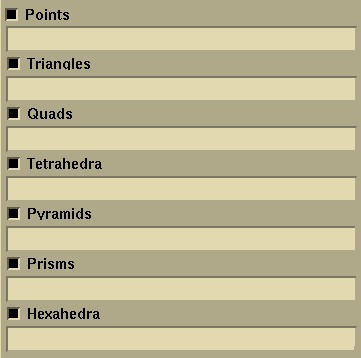
The user can specify the nodes, triangles, quads, etc. he/she wants to highlight by listing the numbers of them in the corresponding fields. The numbers may be separated by commas (1,2,8), by dashes (1-8), or by both (1-4, 6-8). The toggles turn the display on and off.

The Display button allows the user to highlight the listed objects.

The Cycle button highlights the first entity, while making the remaining entities transparent. Each time the Cycle button is pressed, the next numerically listed entity appears highlighted. This provides a means of "cycling" through the selected nodes, triangles, etc.

The Adj button lists and highlights the neighboring node, faces, and elements to the listed objects. For the nodes, the adjacent nodes and the faces and elements attached to the node are highlighted. For the triangle and quad faces, the adjacent faces are highlighted. For the elements (tetrahedra, pyramids, prisms, and hexahedra), the adjacent elements are highlighted.

The Conn button allows the user to list and highlight the nodes that define the listed faces and elements.

The Clear button clears all of the highlighted objects.

The Free Edge button displays all boundary faces that have a free edge (i.e., boundary faces that have no neighbors).

The Free Edge button displays all free edges (i.e., edges of a boundary face that have no neighbor).

The Face Normal button displays the normal vector for all displayed boundary faces. The vector is placed at the c.g. location of the boundary face.

Development use.
 |
 |
 |
 |