UVMAP Example Cases
Data files for several UVMAP example cases are provided. Package
archives with all of the example cases are provided in uvmap-examples.tar.gz (tar-gzip
archive for Linux/MacOSX) and uvmap-examples.zip (zip archive for
Windows). Copy the package archive files and unpackage them in a location of
your choosing to run the example cases. All cases require minimal resources.
The 3D input tria-face surface mesh files, case##.surf, provided for the
example cases are ASCII formatted files of SURF type. The demonstration program
UVMAP will generate UV mapping and output to a file of the same type.
The output file, case##_uv.surf will contain U,V coordinates in place of the
X,Y coordinates and a 0 for the Z coordinate. A log file containing all of the
progress output can optionally be generated. The log file, case##.uvmap.log, is
an ASCII formatted text file. A UV mapping can be generated for any of the
example cases using the following command.
uvmap case_name
See UVMAP Overview for information on
available options and usage. Alternatively, you can view text-based
documentation at the command line with any of the following commands.
uvmap
uvmap -h
uvmap -help
The UGC program is provided with the UG_IO
library and can convert the output UV mesh file into various alternative
output file types. Several UVMAP example case files named
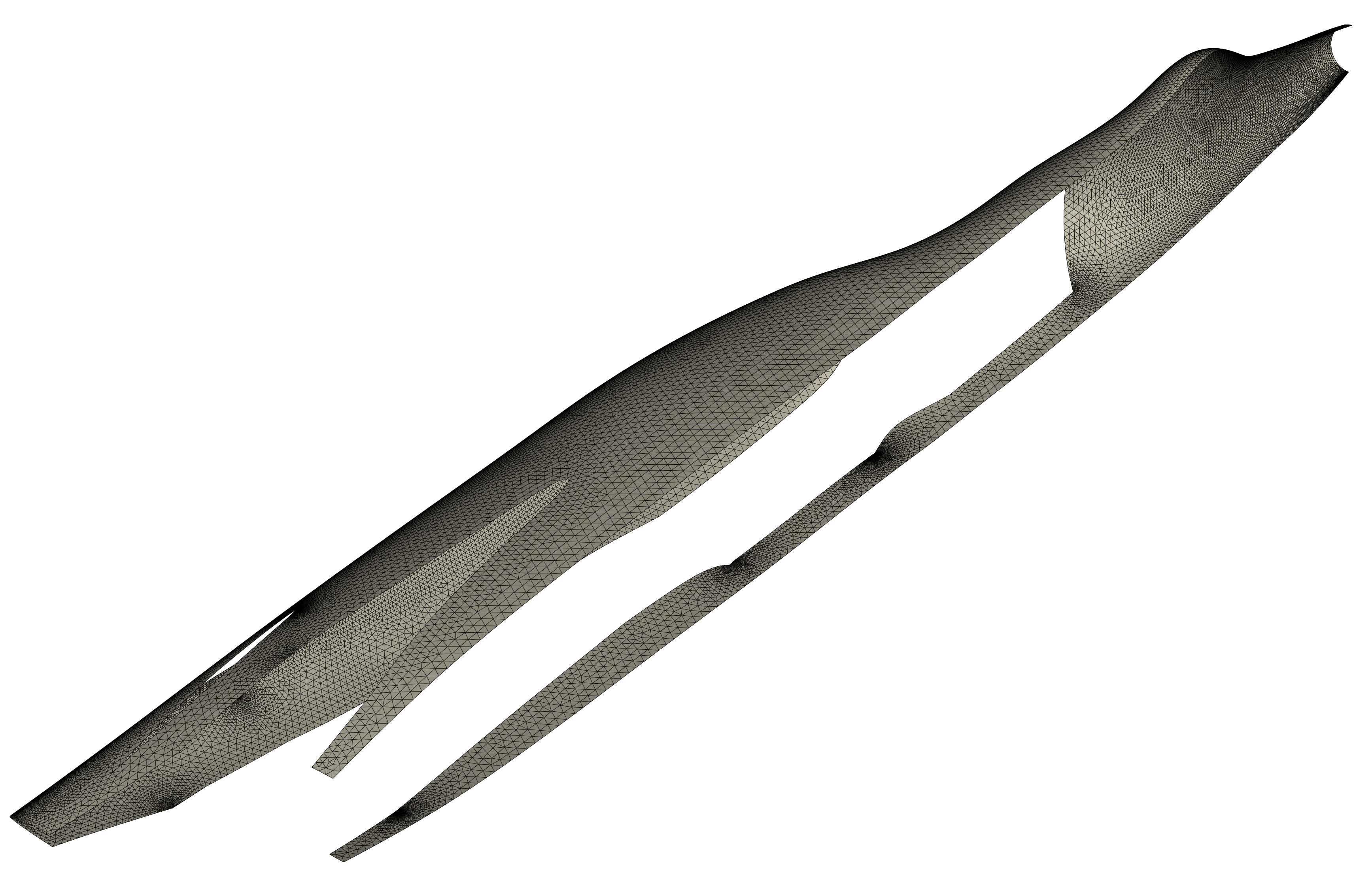
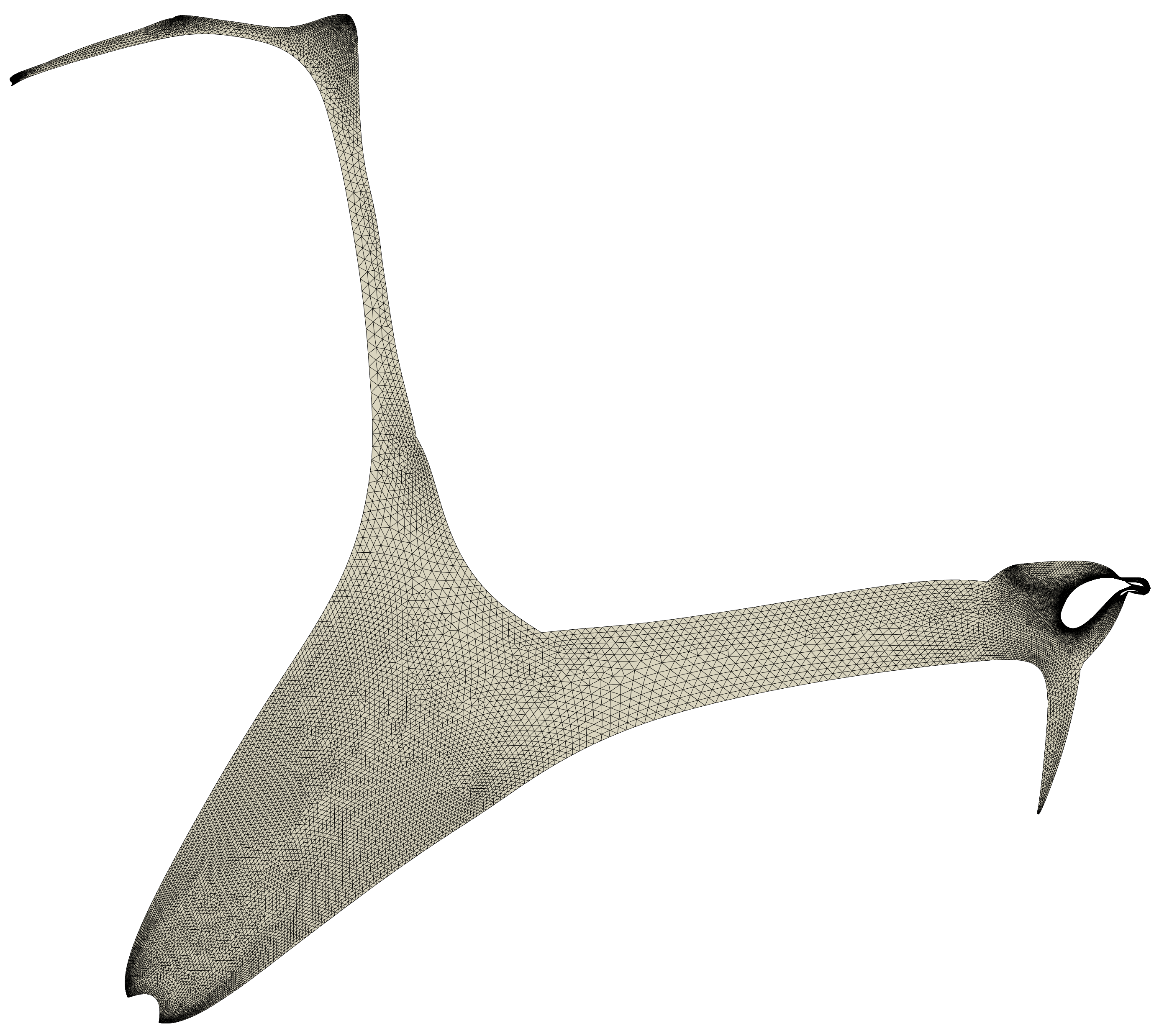
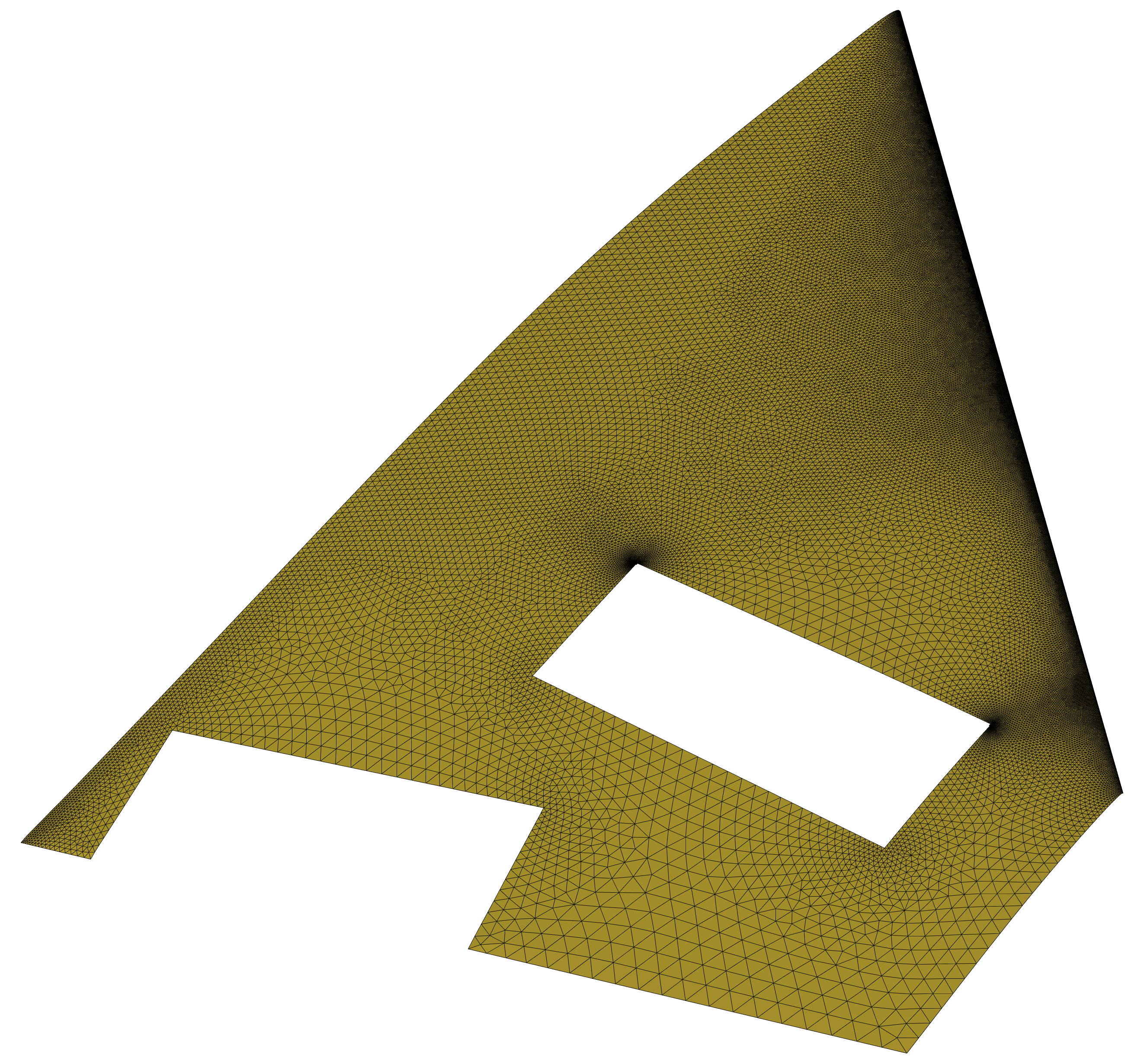
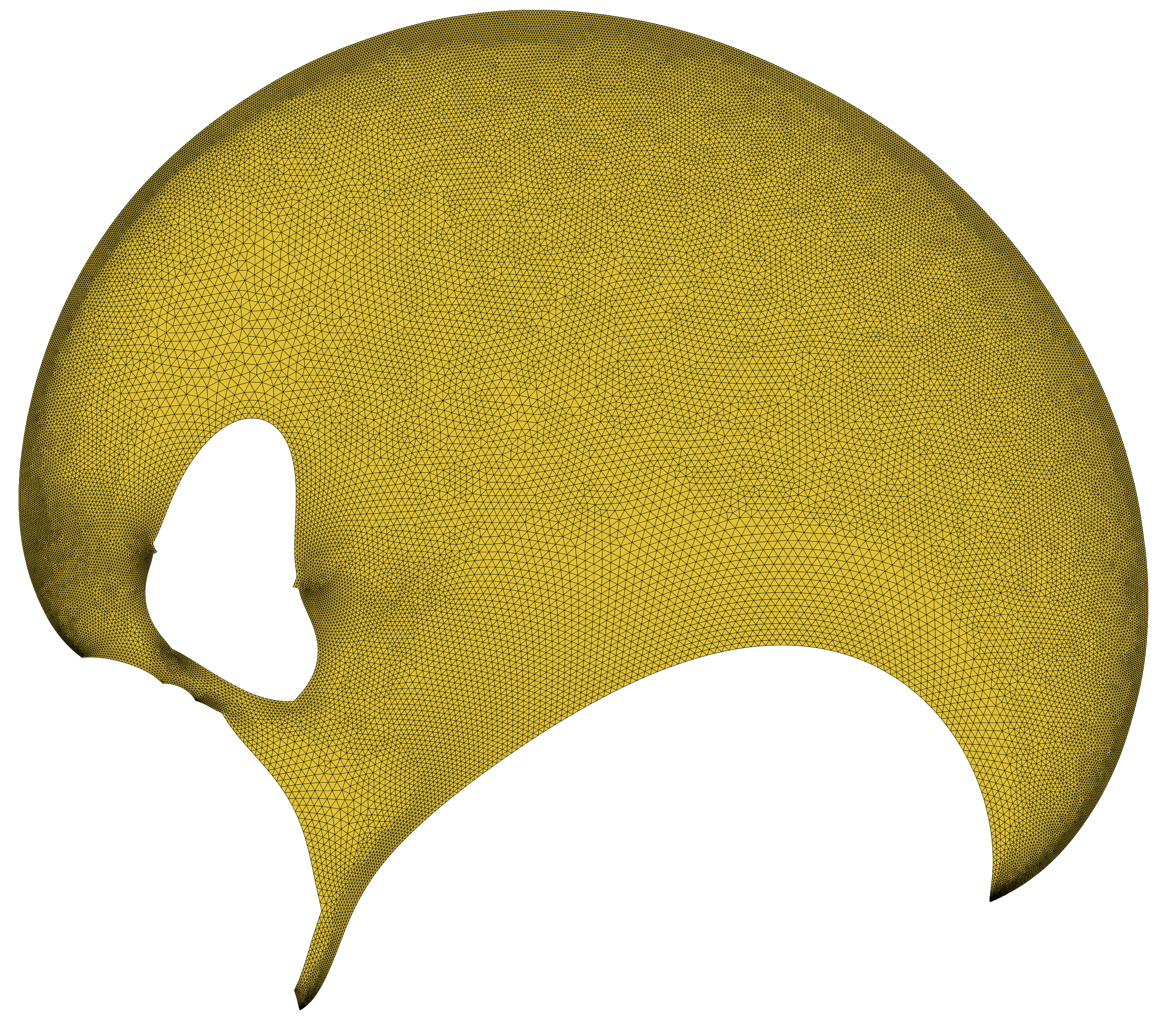
case##.surf are provided. Shown for each is and image of the X,Y,Z physical
space input surface mesh and of the generated U,V mapping space.
Case 01
Case 02
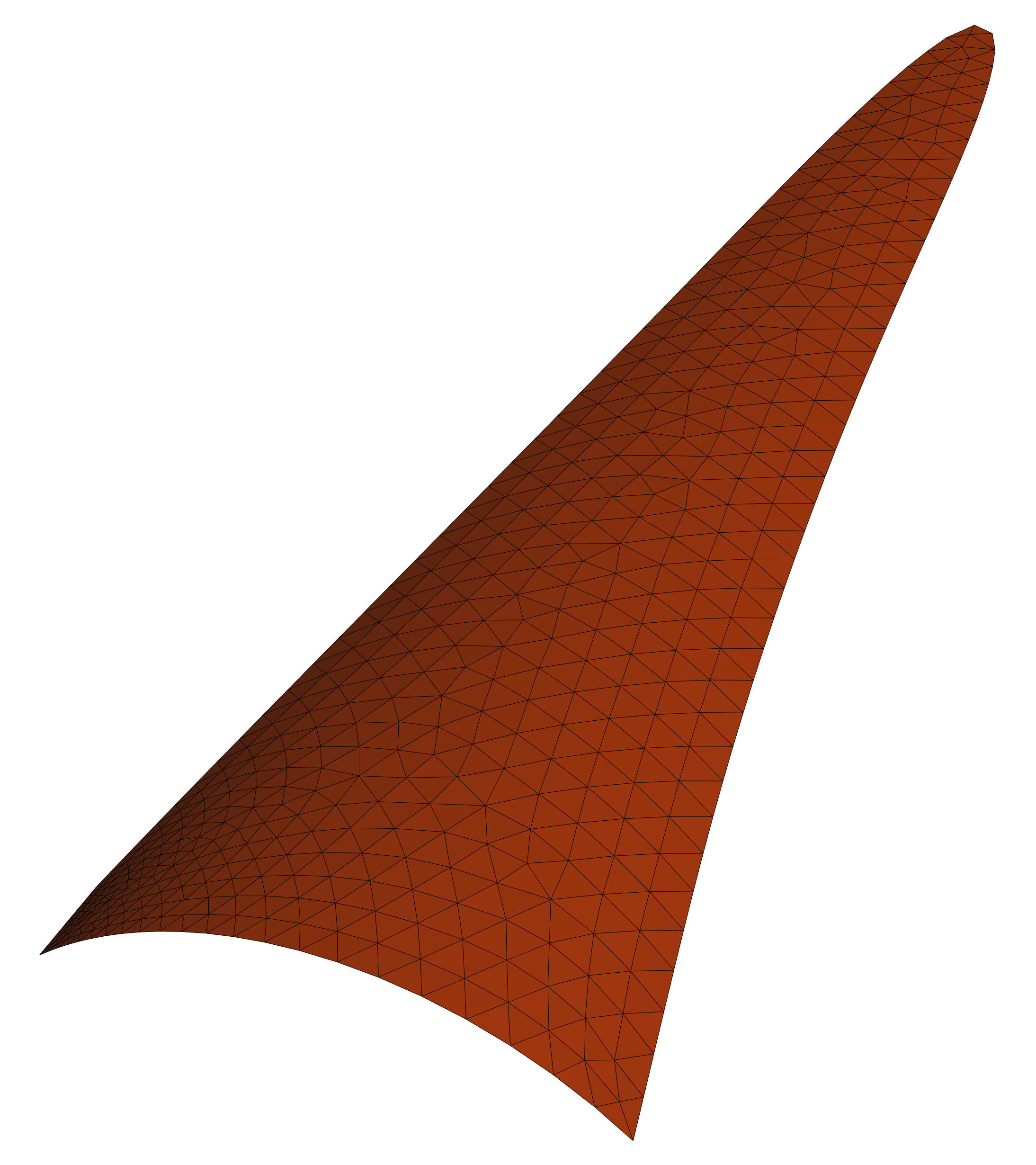
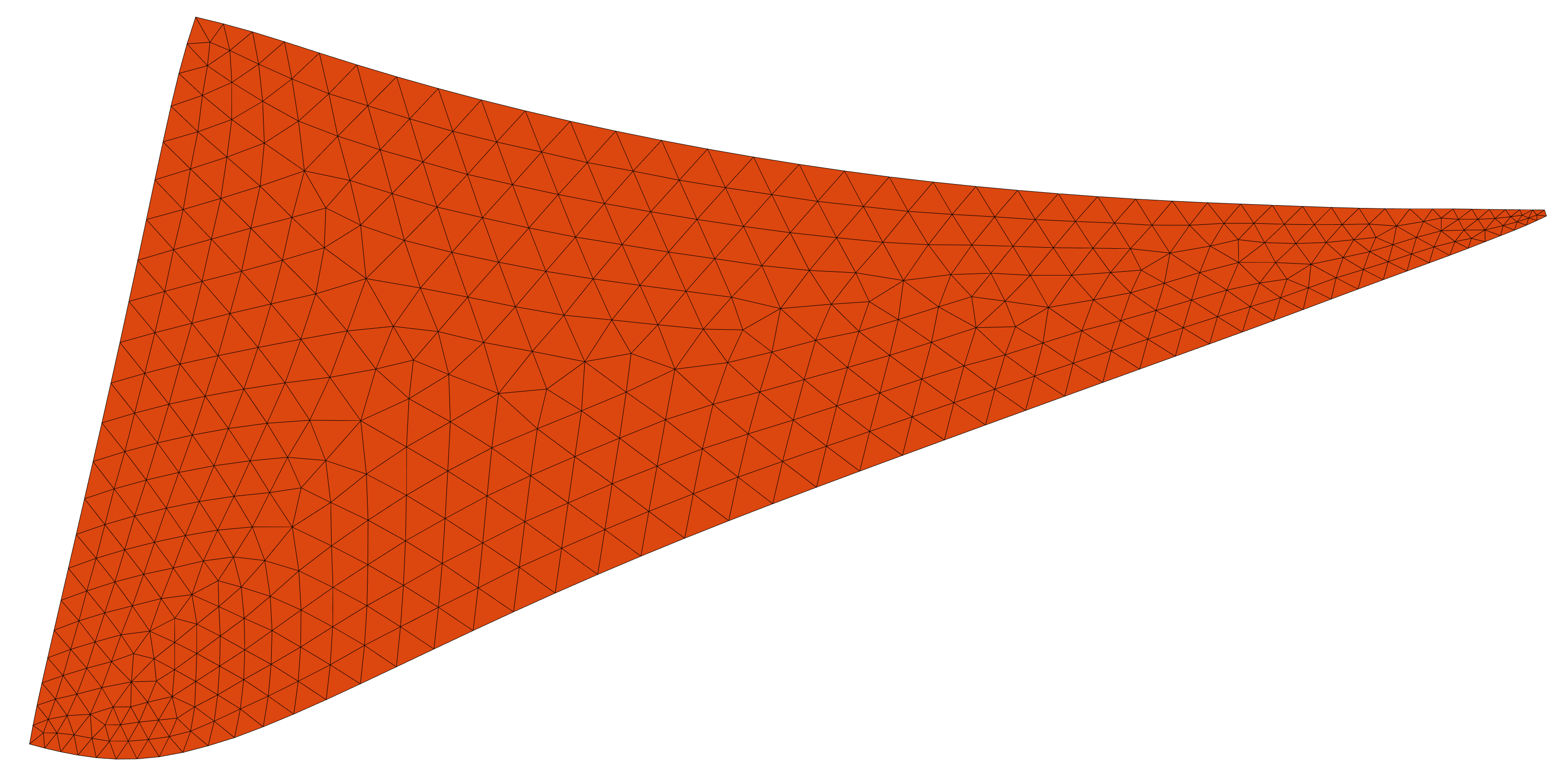
Case 03
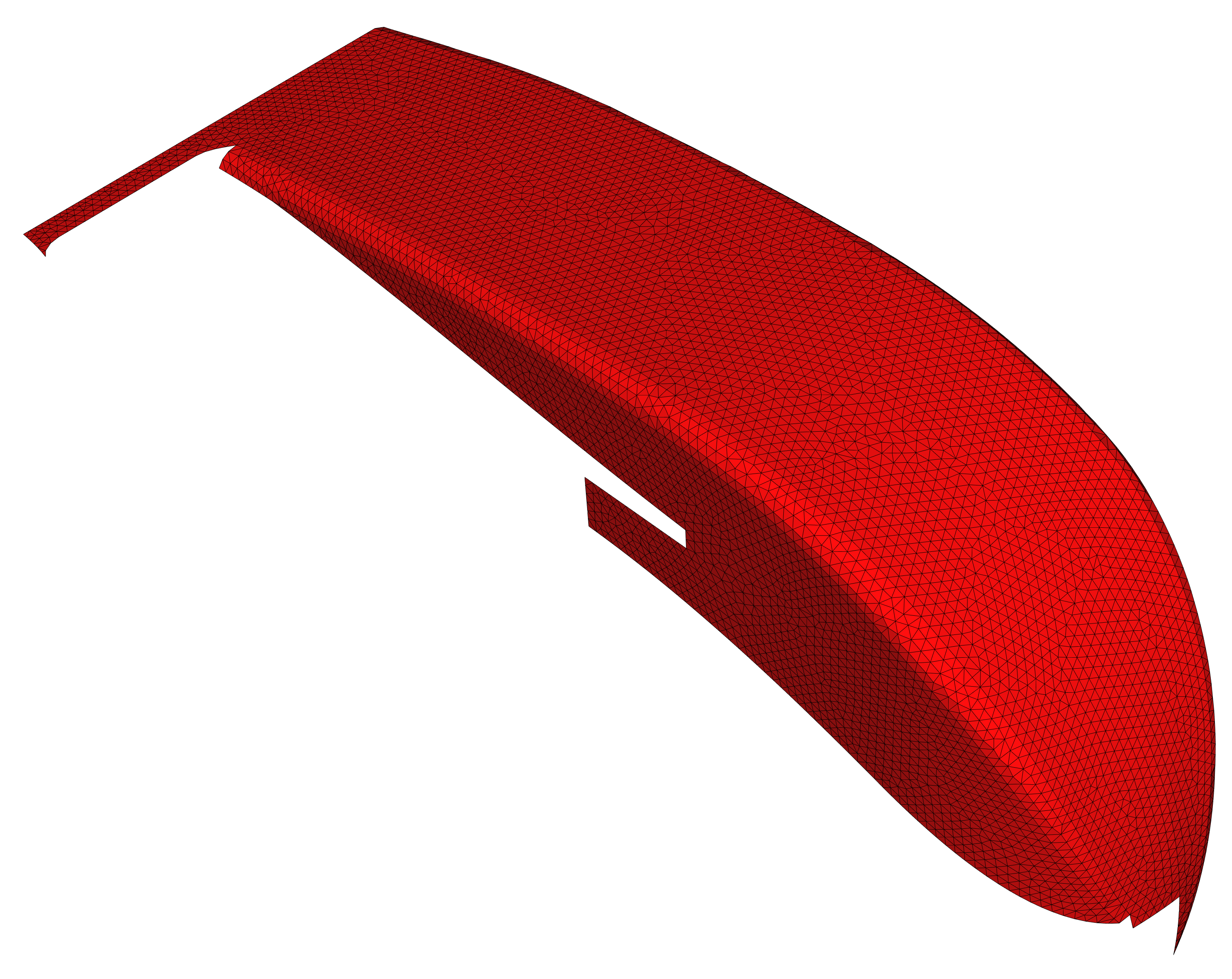

Case 04
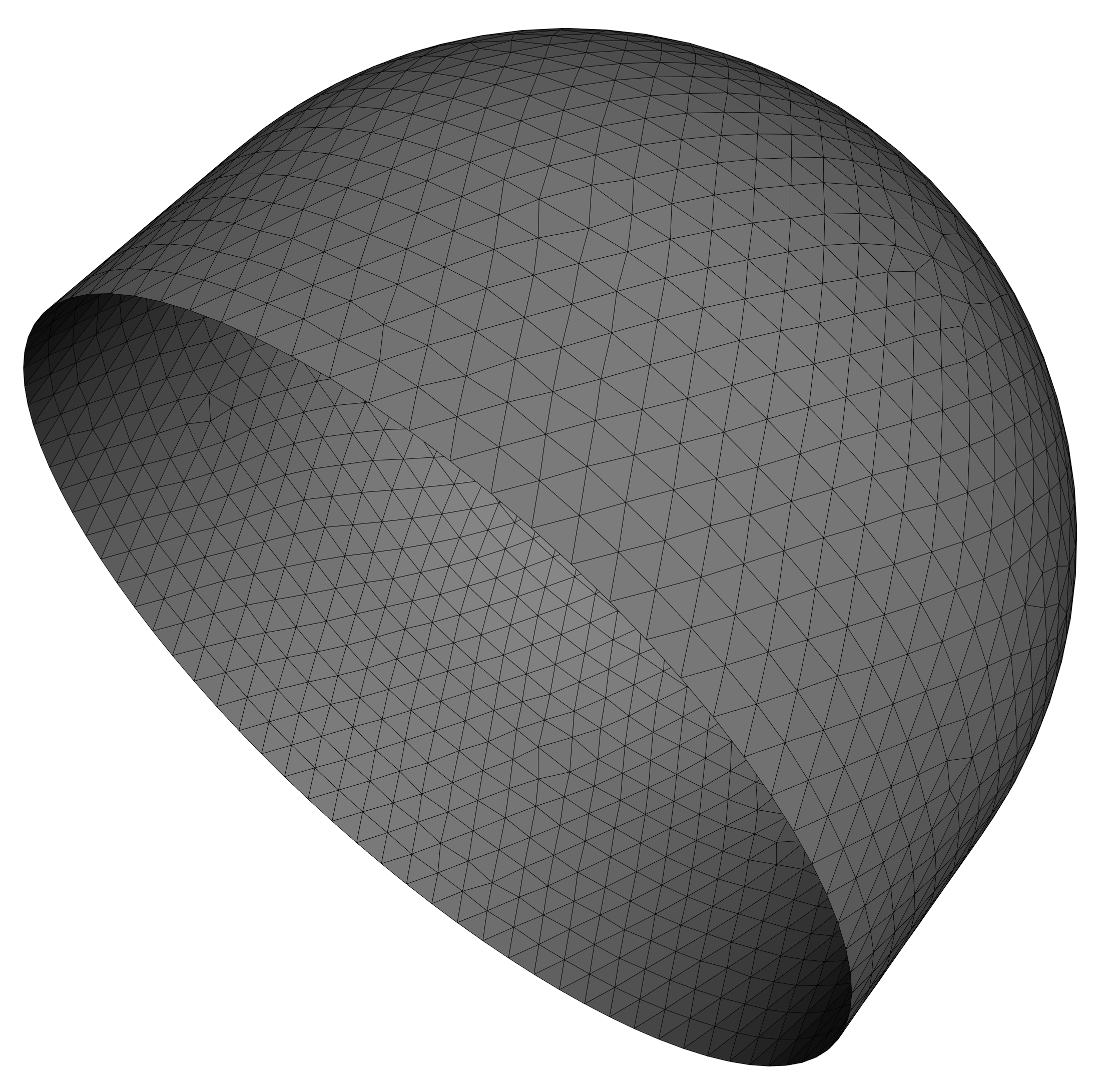
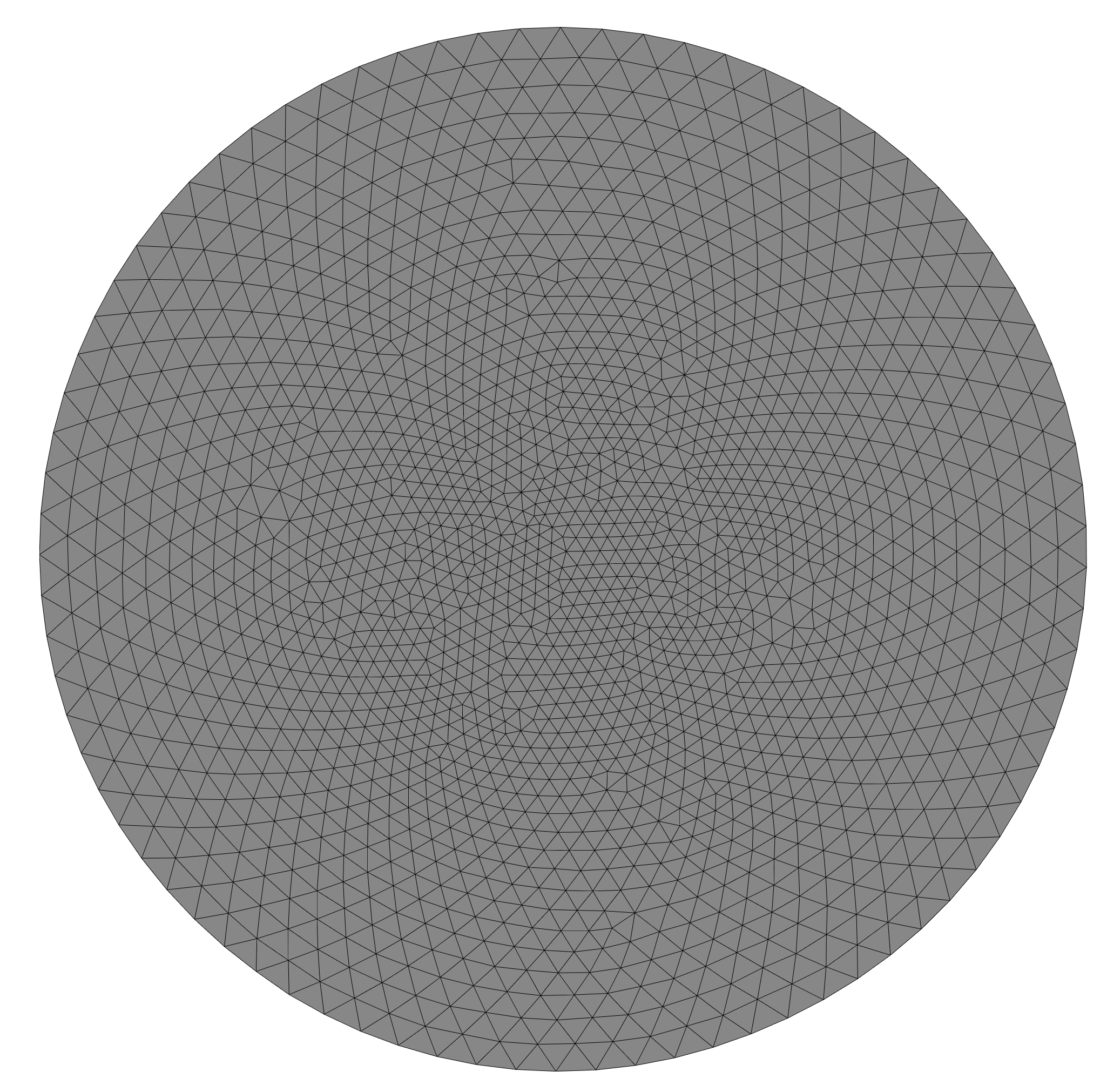
Case 05

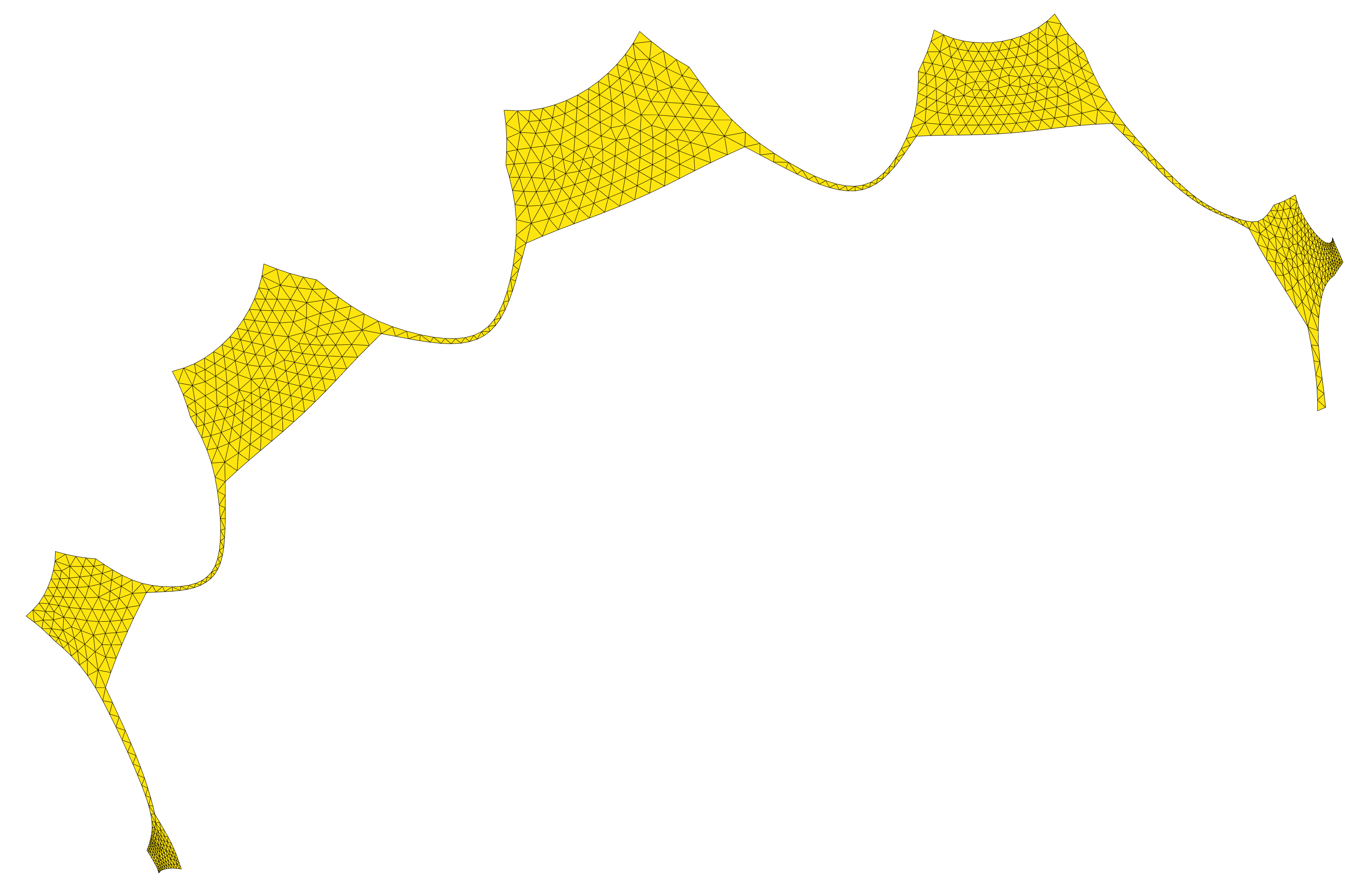
Case 06
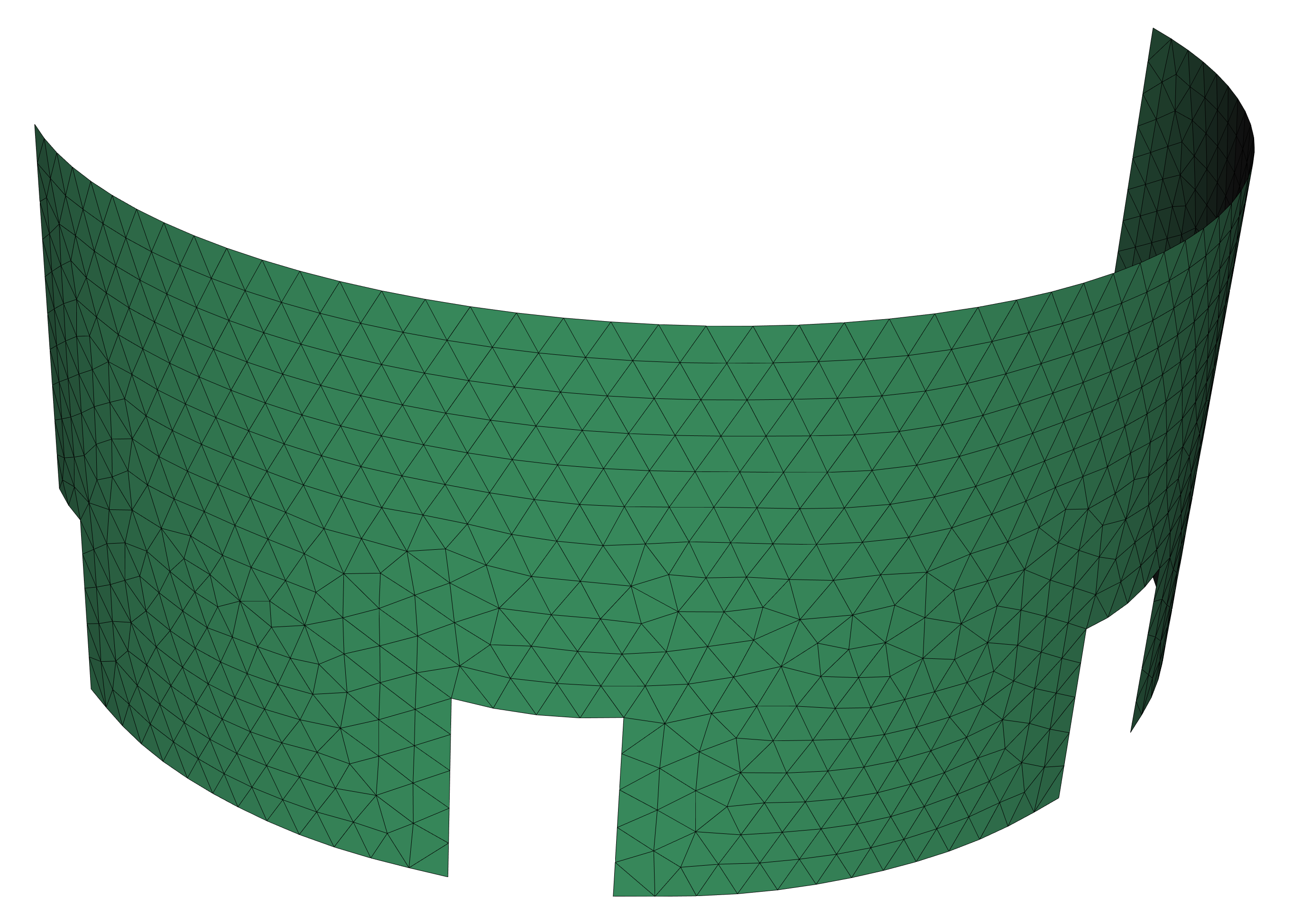
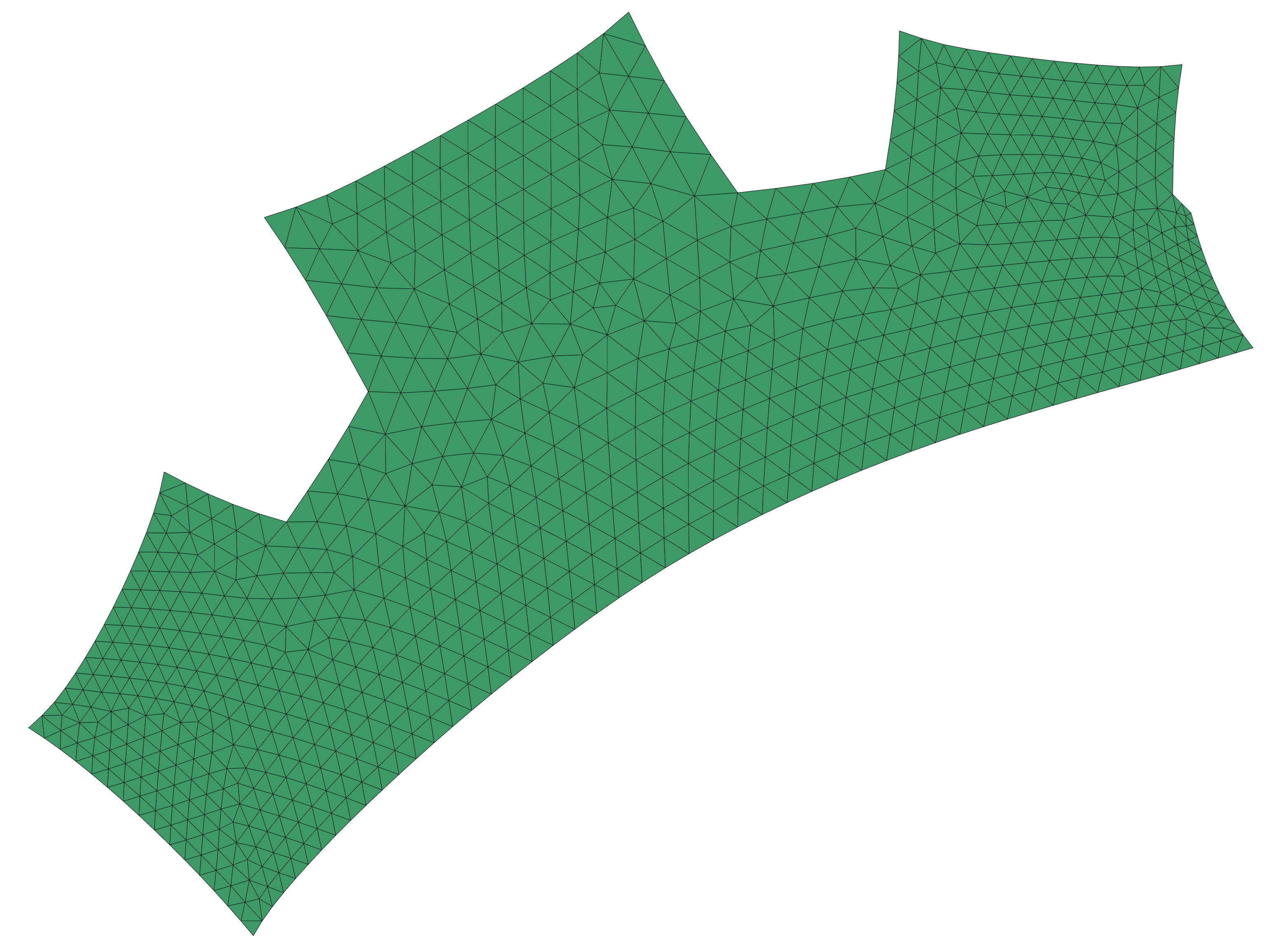
Case 07
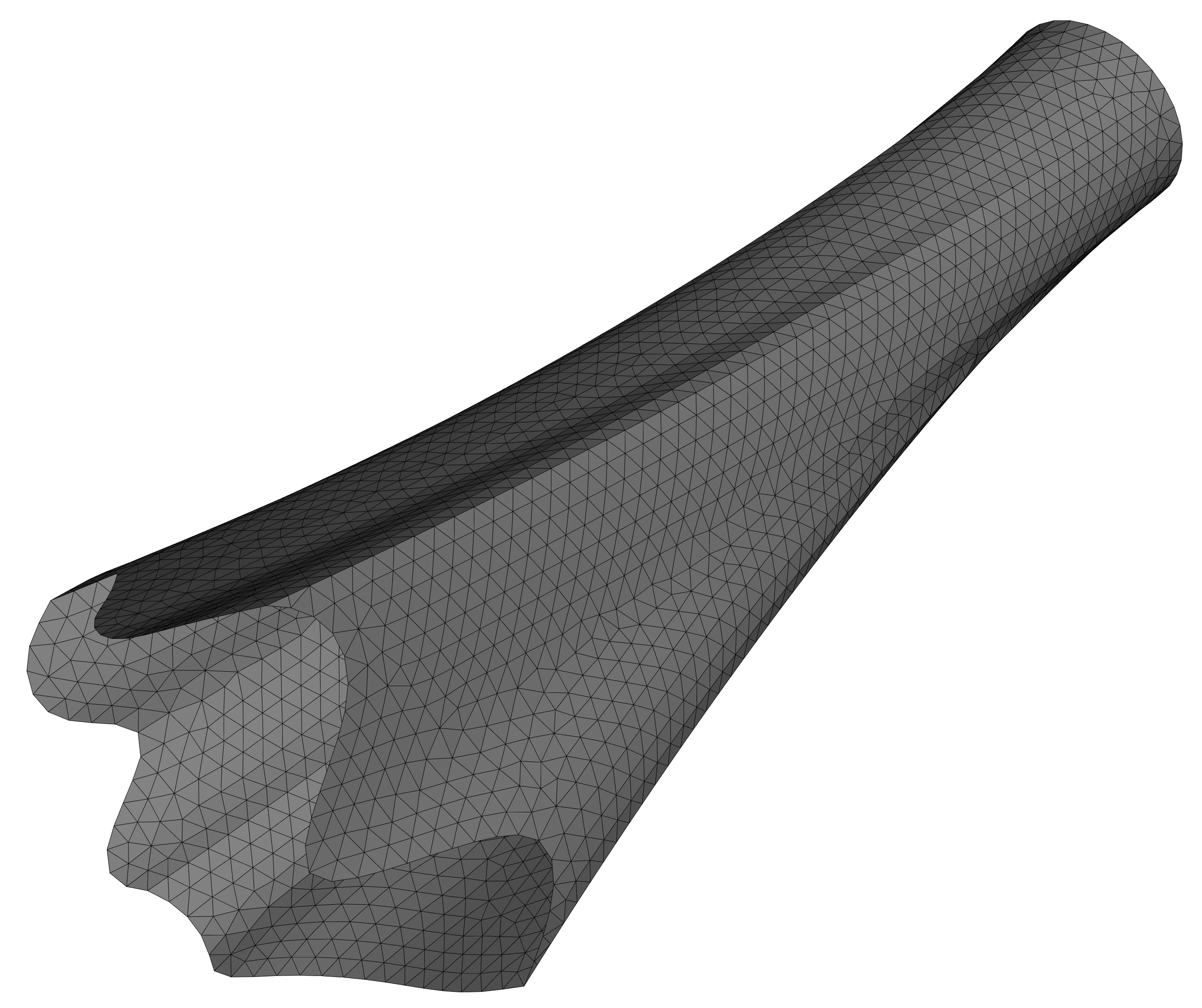
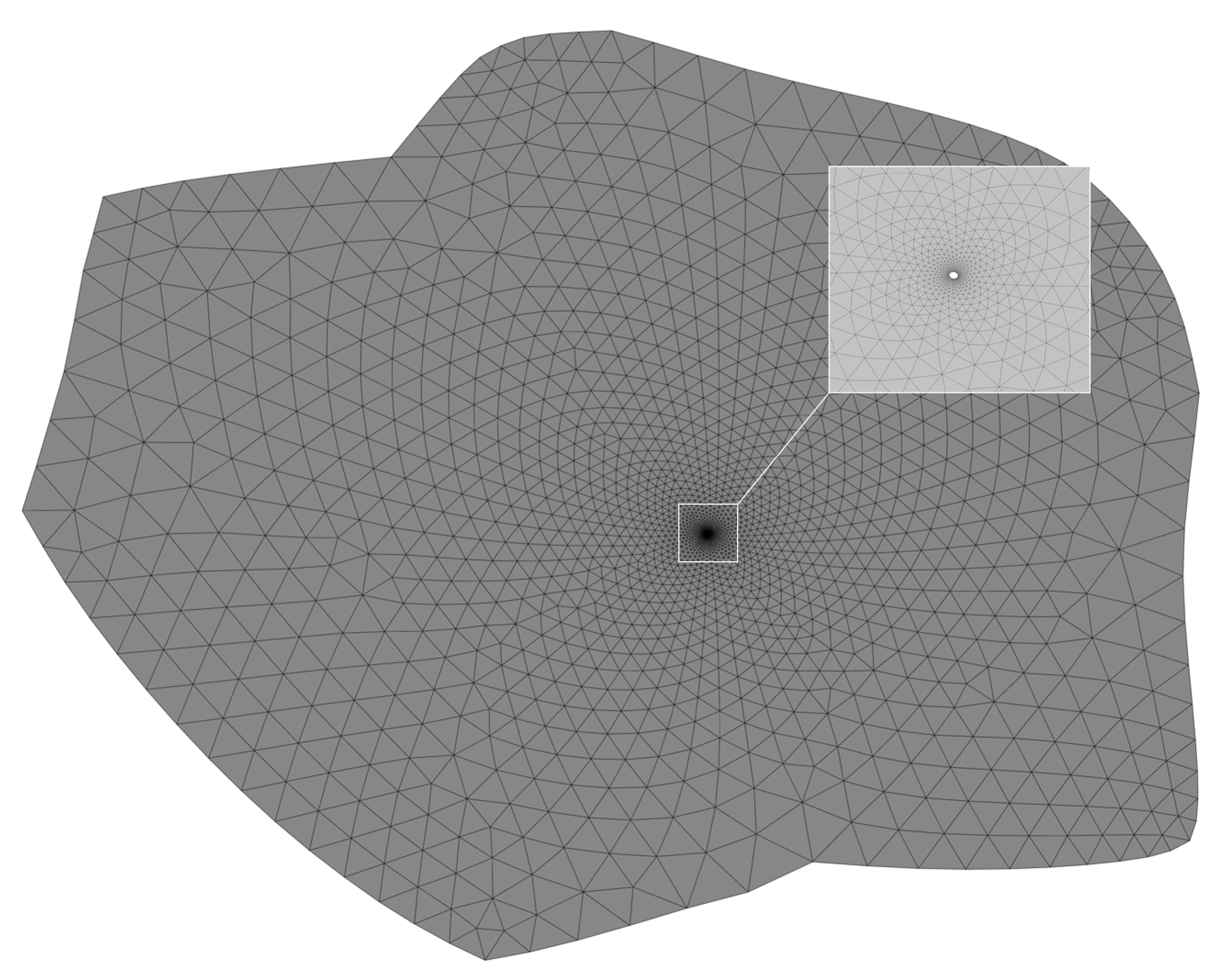
Case 08
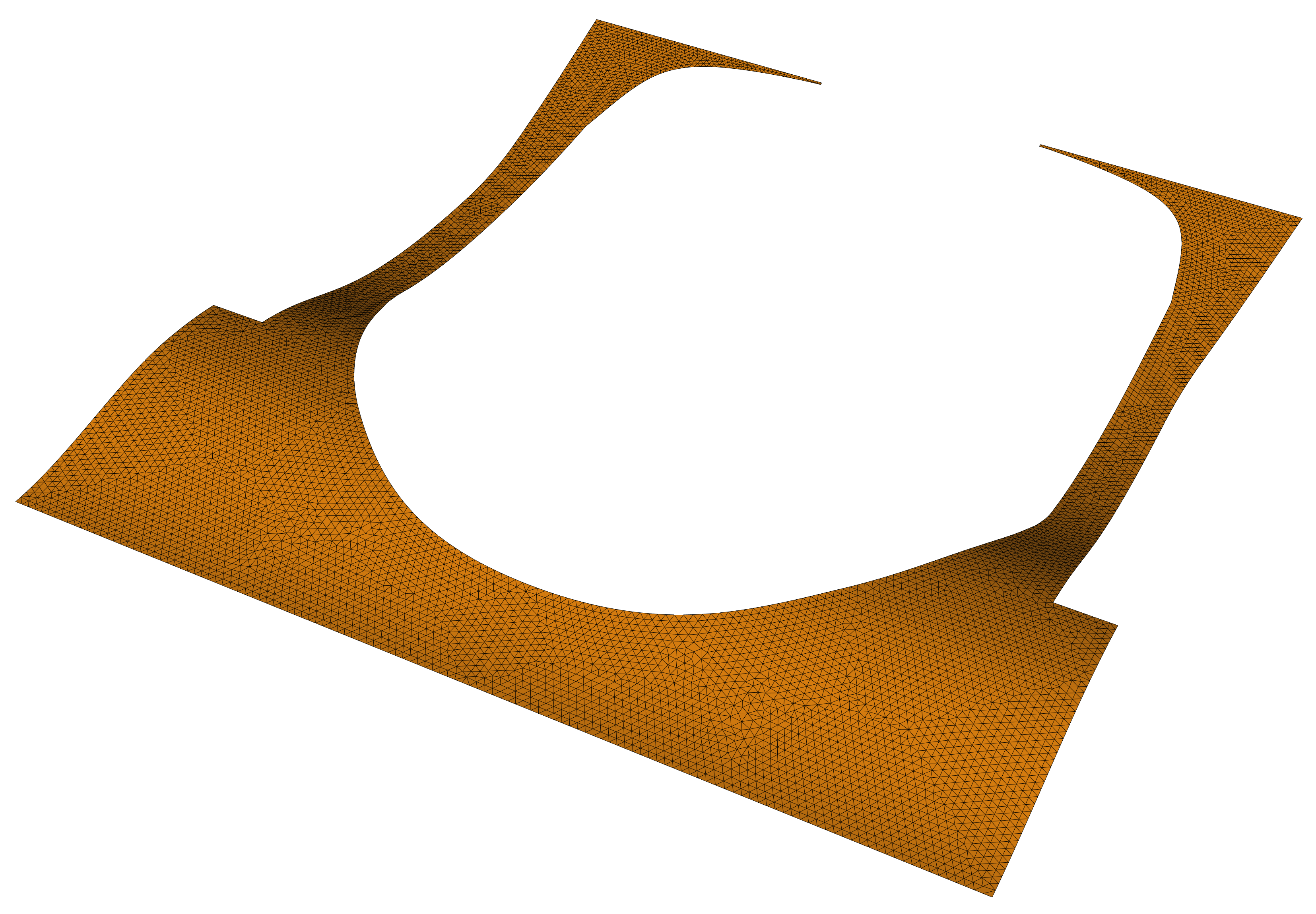

Case 09


Case 10
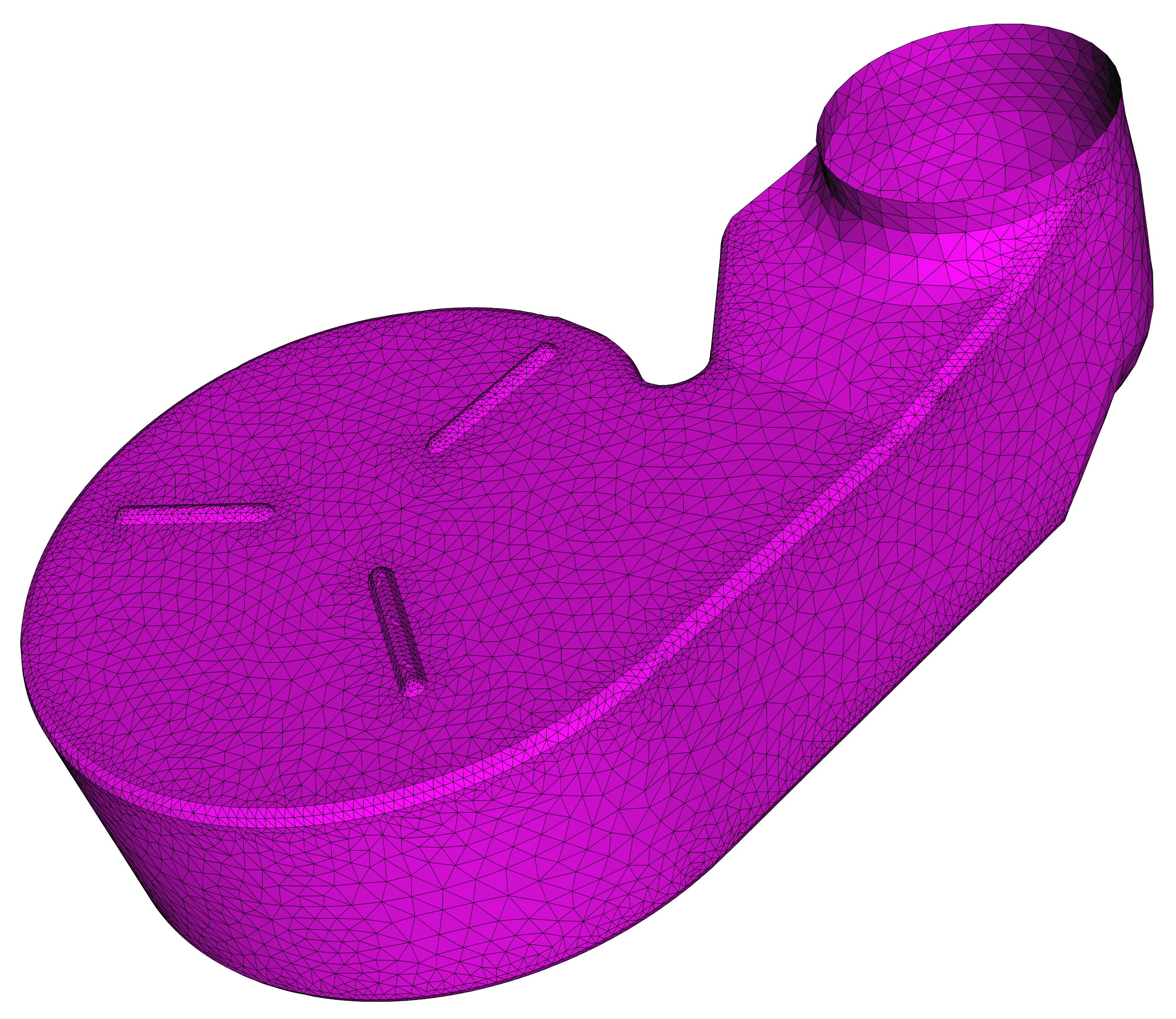
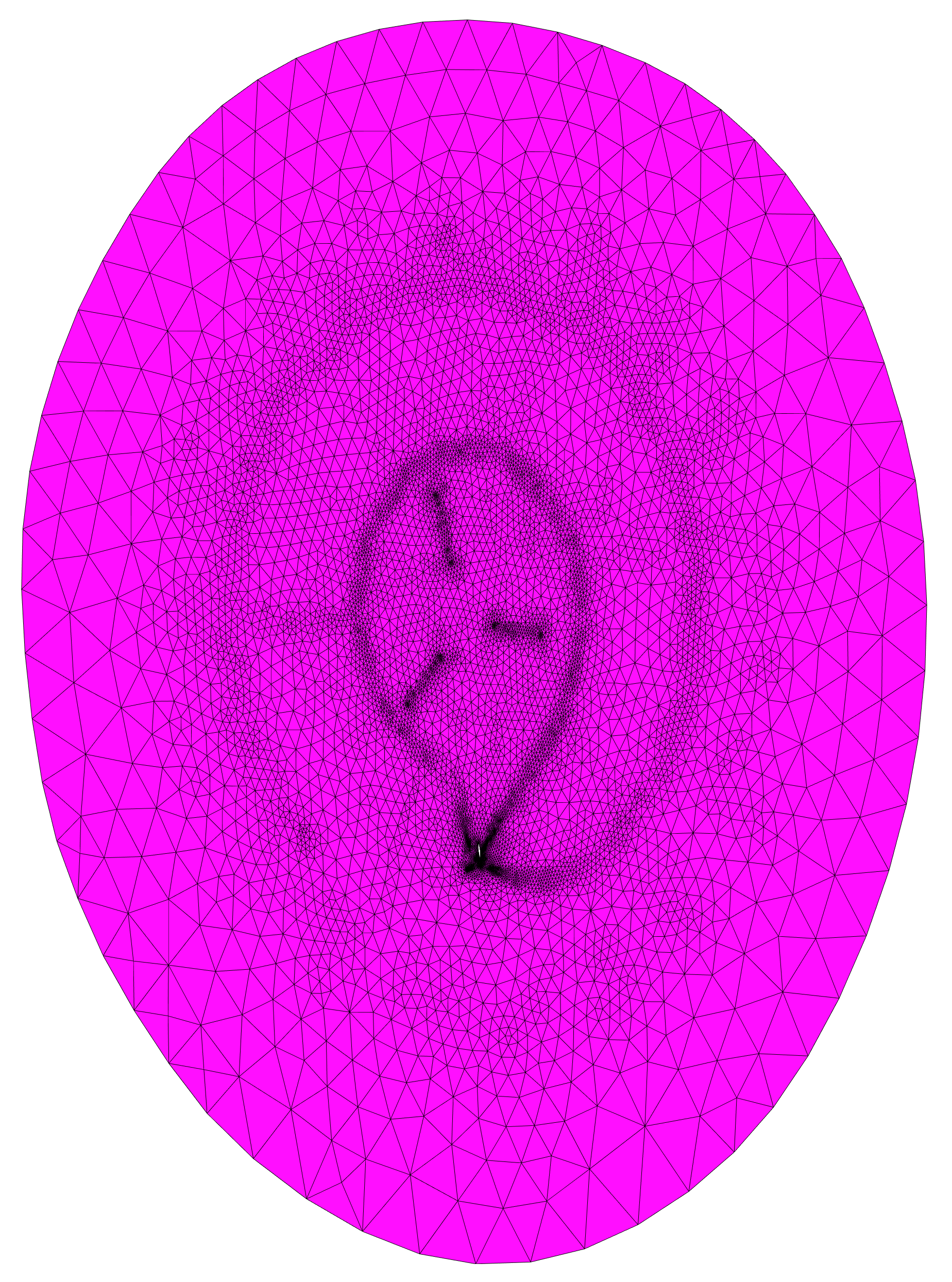
Case 11
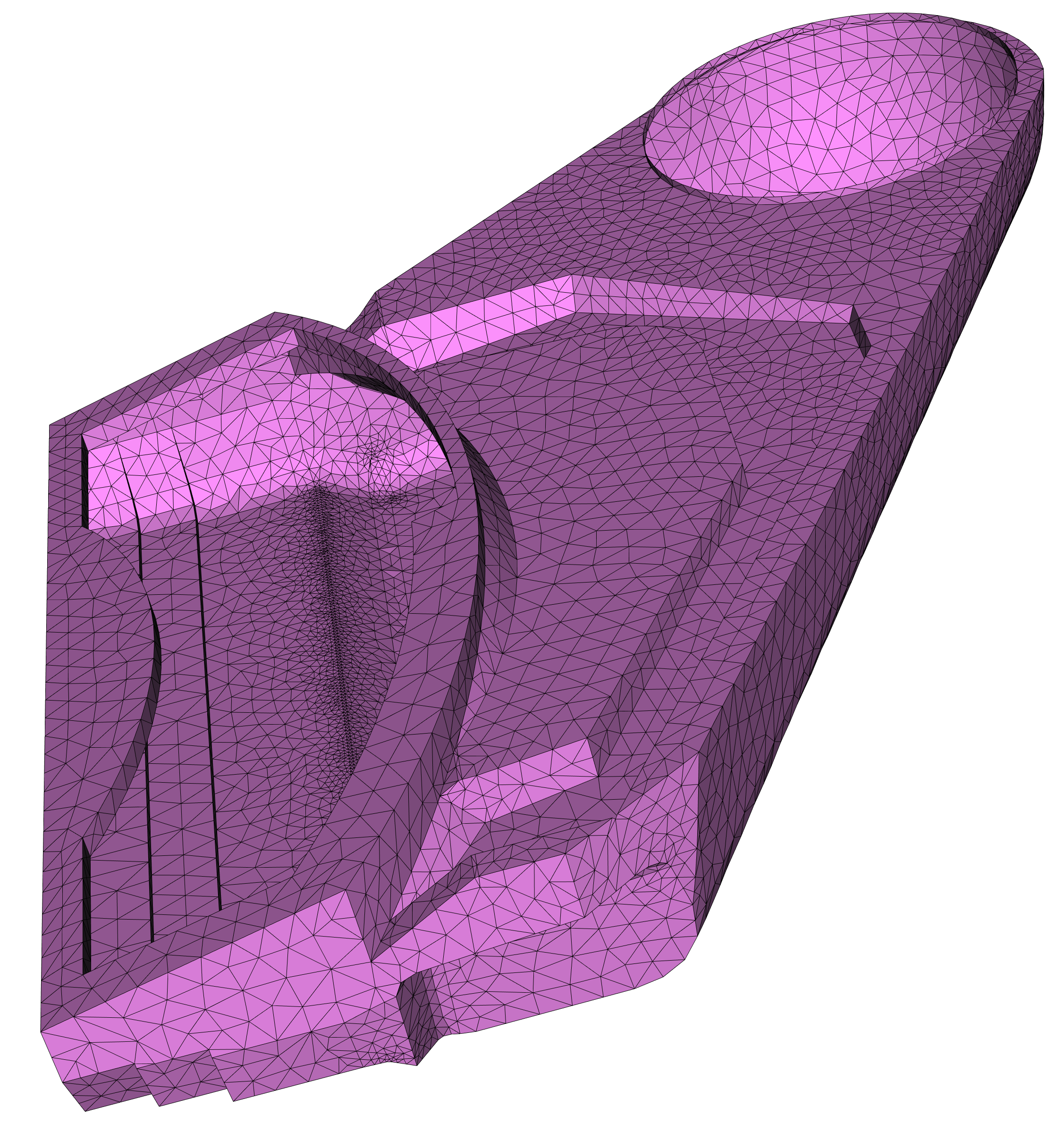
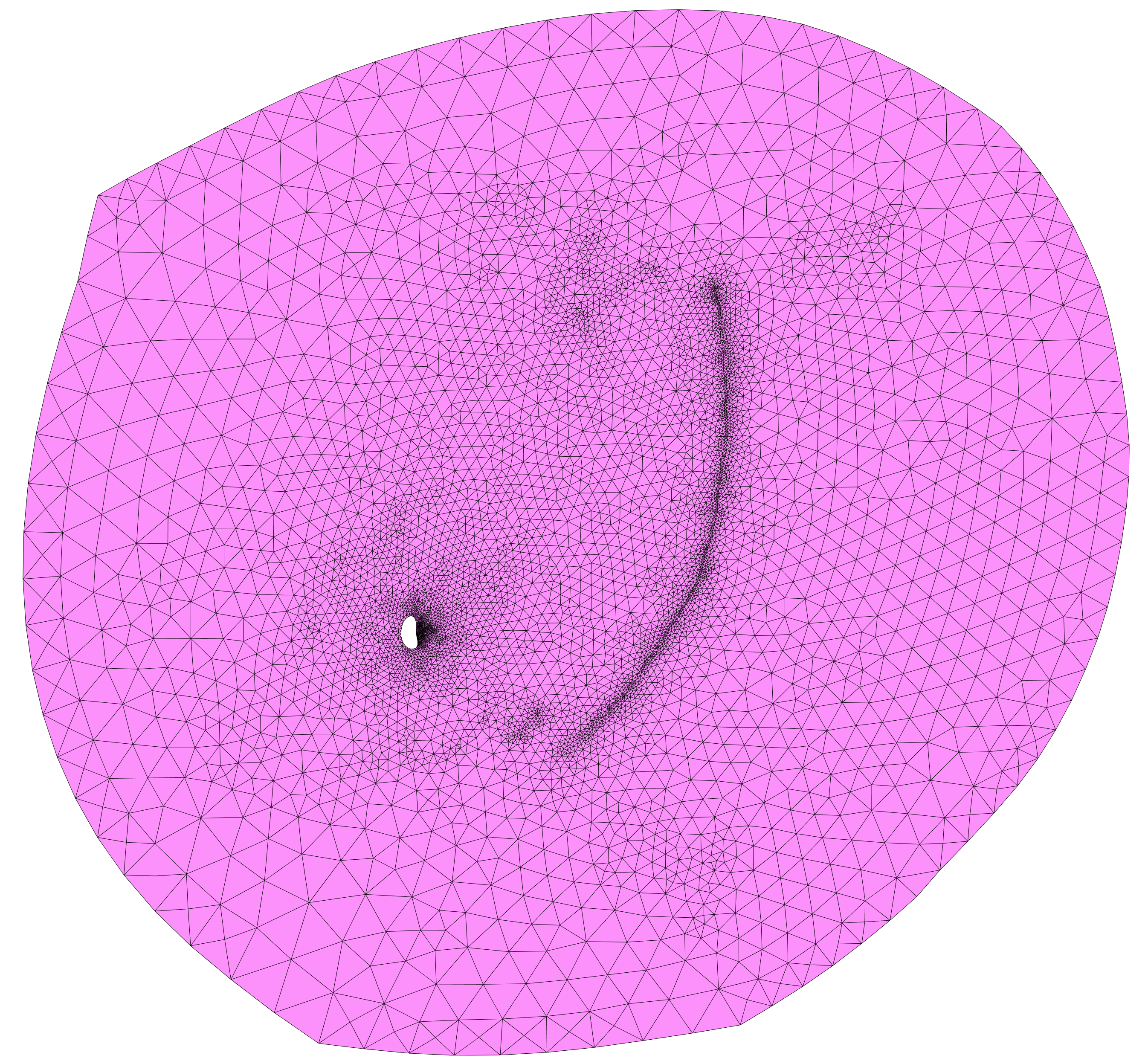
Case 12
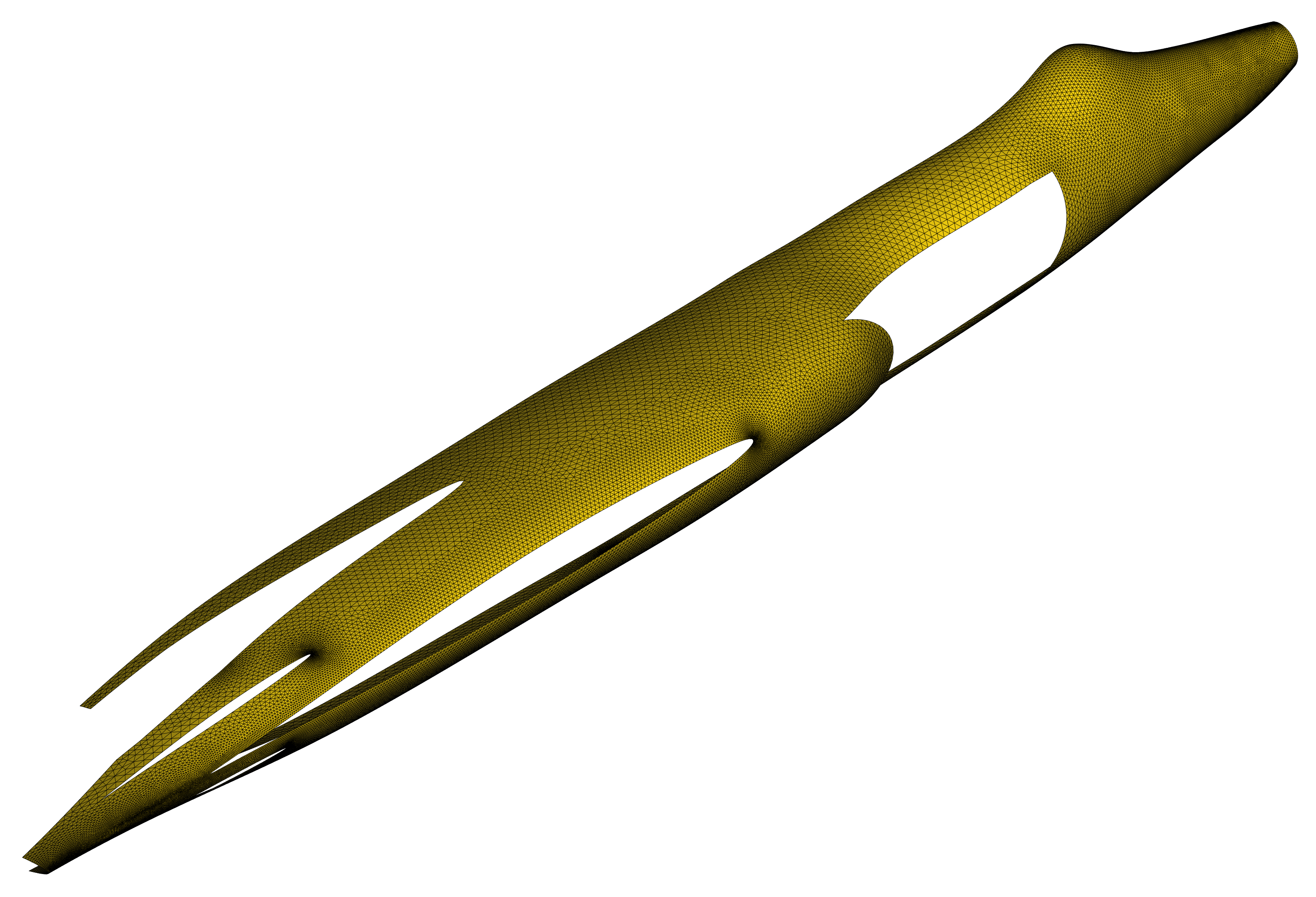
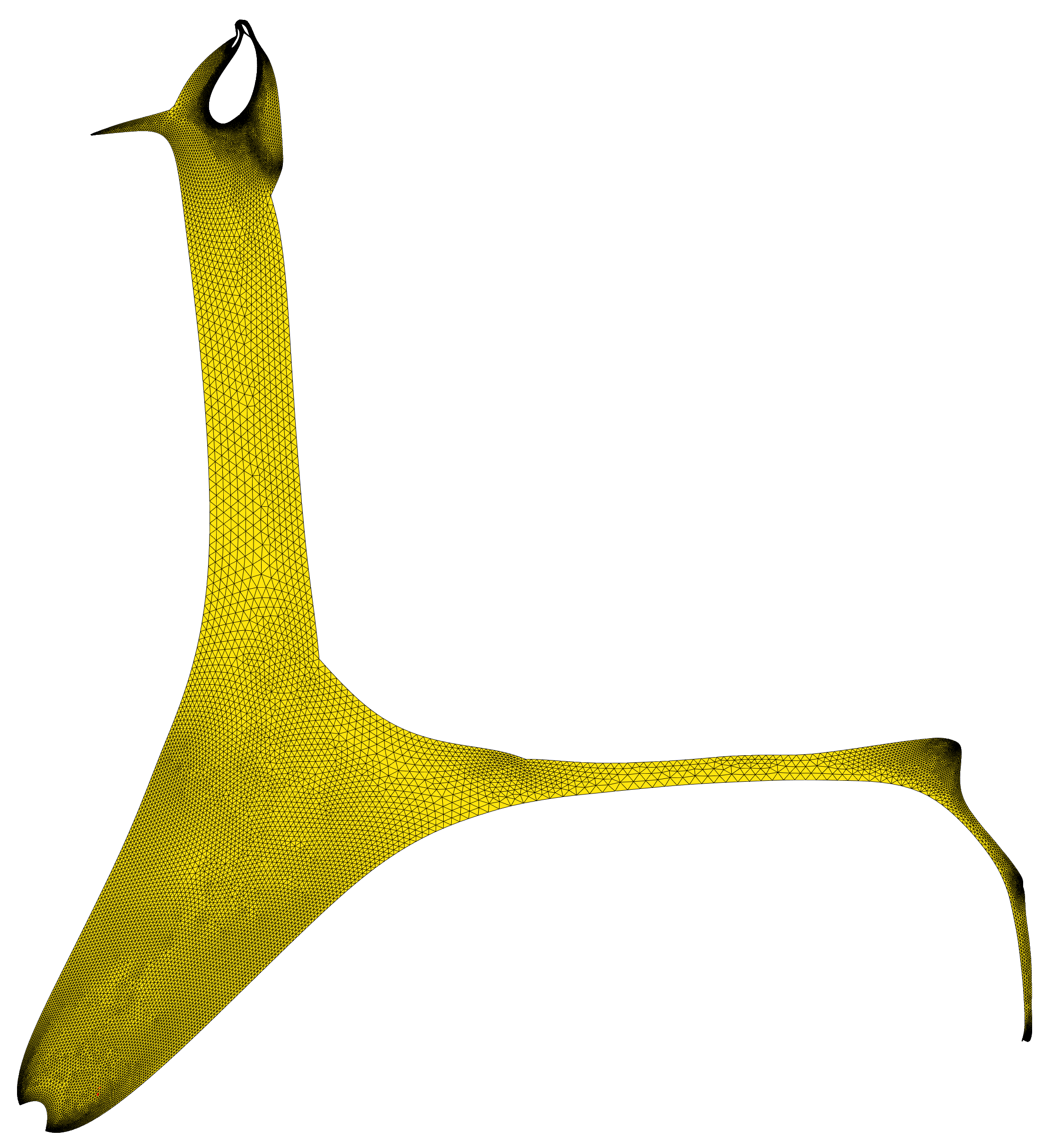
Case 13