Surface Application Examples

ruledsurf

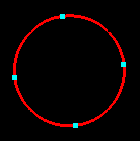
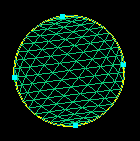
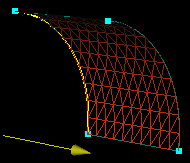
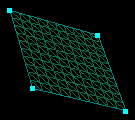
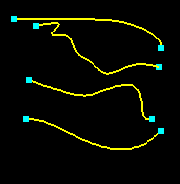
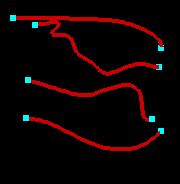
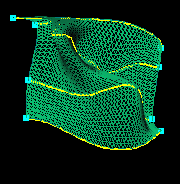
Create ruled surface

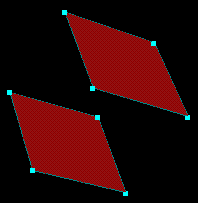
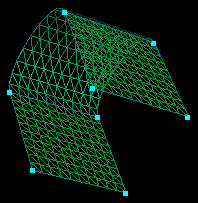
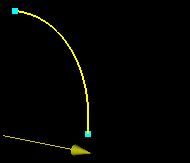
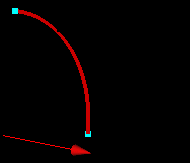
Pick two curves and ruledsurf

surf
surf
surf3

Create a swept surface

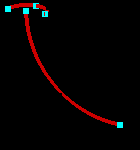
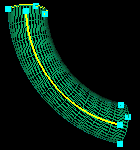
1.  Select at least 2 curves and  sweep. The first cuve is the sweep path and the remaining curves define the cross-section to sweep.

sweep1
sweep2
sweep3

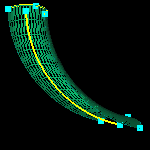
2.  Select the curves and turn off   orthogonal and select sweep. The cross section is no longer orthogonal to the sweep path.

sweep1
sweep2
sweep4
tfisurf1

Create a TFI surface

Select four curves and tfisurf1.

surf1
surf4
surf5
degentfi

Create degenerate TFI surface

Select three curves and a point.  Click degentfi.

surf12
surf13
surf14
fourcorn

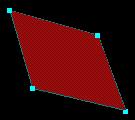
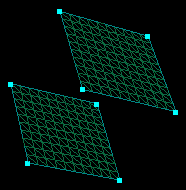
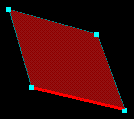
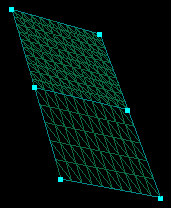
Create four-corner surface

Select four points and fourcorn.

surf1
surf6
surf7
plane

Create plane

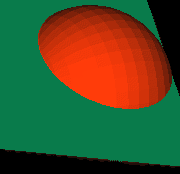
1.  Select three points and plane.

surfexamp1
surfexamp2
surfexamp3

2.  Select a point and a vector and plane.

surfexample
surfexample
surfexamp6
surfofrev

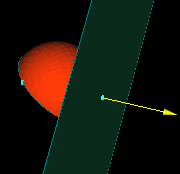
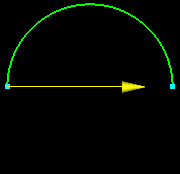
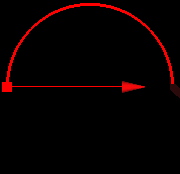
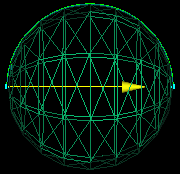
Create surface of revolution

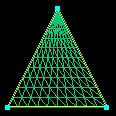
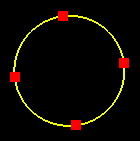
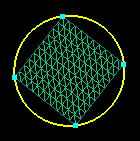
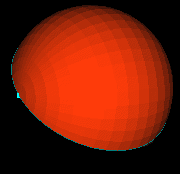
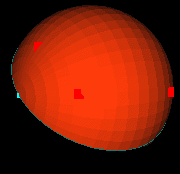
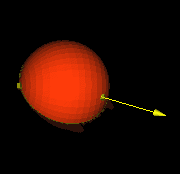
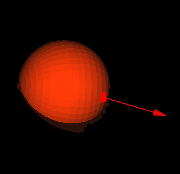
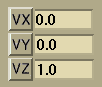
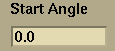
Select a point (if no point is selected, the values in the X, Y, and Z fields of the point application are used) to rotate about.  Select a vector as an axis of rotation (if no vector is selected the value in the aboutnew is used).  Select a curve (or multiple curves) to rotate.  Enter values in the startangnew and surfexamp10 .  Click surfofrev.
surfexample
surfexample
surfexamp9
carpet

Create carpet patch

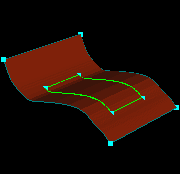
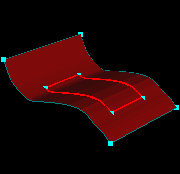
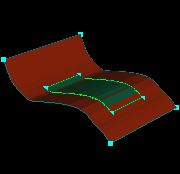
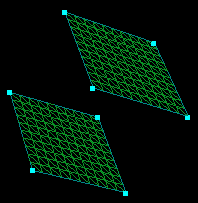
1.  Pick four curves and a surface.  Enter values in surfacesres and carpet.

surfexample
surfexample
surfexamp13

2.  Select four curves and any number of surfaces.  Enter values in surfacesres and carpet.

surfexample
surfexample
surfexamp16
blend

Blend surfaces

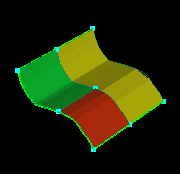
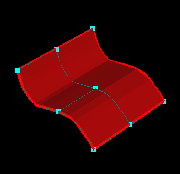
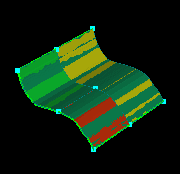
Select two surfaces and blend (if no curves are selected, the surfaces are blended between their closest two curves)

surf
surf
surf17
avrg

Average surfaces

Select two surfaces and avrg.

surf
surf
surf18
xtrude

Create an extruded surface

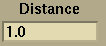
Select a curve (or multiple curves) to extrude. Select a vector as an extrusion direction (if no vector is selected the values in the vectorxyzfields fields are used).  Enter an extrusion distance value in distancenew and click xtrude.
extrude1
extrude2
extrude3
offset1

Offset surfaces

Select a surface.  Enter a value in distancenew and offset1.

surf
surf
surf21
xtend

Extend surfaces

Select a surface.  Select the edge to extend from.  Enter the distance to extend in distancenew and xtend.

surf
surf
surf23
loftsurf

Lofted surfaces

 Create at least three curves.  Select the curves.  Select  loftsurf to create the  lofted surface.

lofted
lofted2
lofted3
contents_btn previous_btn home_btn