


CAD Operations

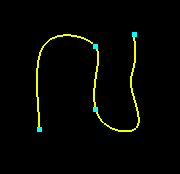
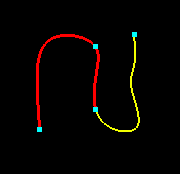
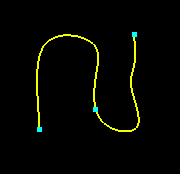
Split: Curve
1. Pick a curve and any number of points on that curve.
Click
.
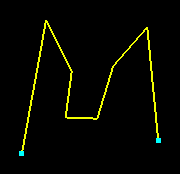
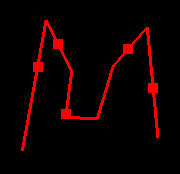
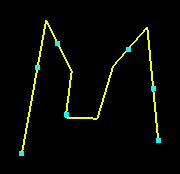
2. Select a curve and any number of points not on that curve,
and click
.
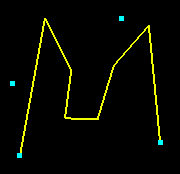
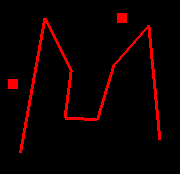
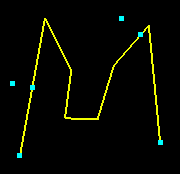
3. Select a curve and click
.
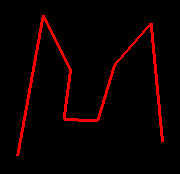
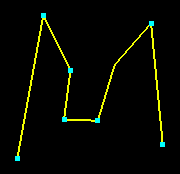
NOTE: The curve will only split at discontinuities with turn angles of
30 degrees or more.
Split: Surfaces
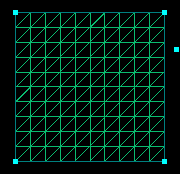
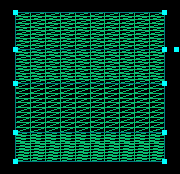
Select any number of points on or close to a single boundary of a surface.
Select the surface and click
.
NOTE: Although difficult to see, a point just below the second is
selected just to the left of the bounding curve, on the interior of the
surface.

Union
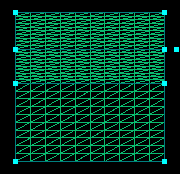
1. Pick two surfaces and click .
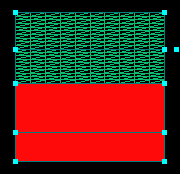
2. Pick two curves and click .
1. Select two curves and  .
.
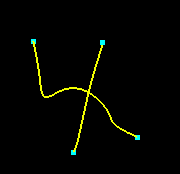
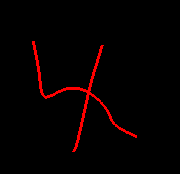
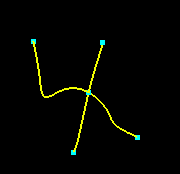
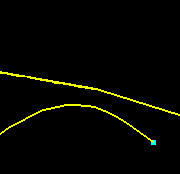
2. Select two curves that do not intersect and .
The curves are split at the closest points.
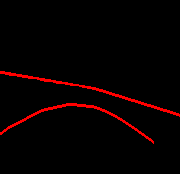
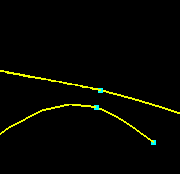
Select a surface and any number of curves and .
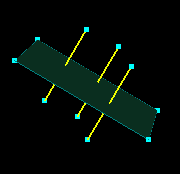
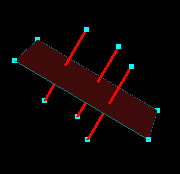
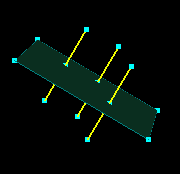
Select the flat surface and then all of the cylinders and .
NOTE: Two parametric curves (one for each surface) are generated
at each intersection. Also, the quality of the intersection is dependent
on the resolution of the surfaces.
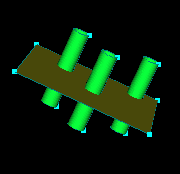
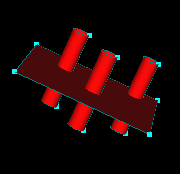
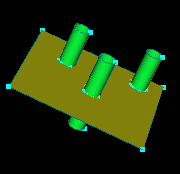
Select two groups and .
Each group is denoted by a different color. The results are the same
as above.

Project/Form
1. Pick a curve and a surface and .
NOTE: The quality of the projection is dependent on the resolution
of the surface being projected on.
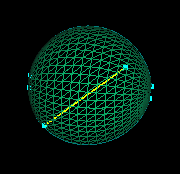
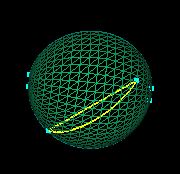
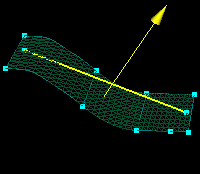
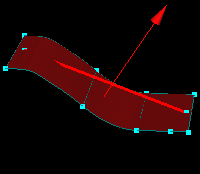
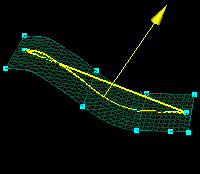
2. Pick a curve, vector, and any number of surfaces. Click .
 |
 |
 |